반응형
https://recoeve.net/user/Music?cat=[Music/Break]--K-Pop&PRL=0.70&PRR=1.00&ToR=#headPlay
[Music/Break]--Pop of Music's Recoeve.net (Top ranked):
https://recoeve.net/user/Music?cat=[Music/Break]--Pop&PRL=0.70&PRR=1.00&ToR=#headPlay [Music/Break]--K-Pop of kipid's Recoeve.net (Personal favorite):
https://recoeve.net/user/kipid/mode/multireco?cat=[Music/Break]--K-Pop&ToR=&PRL=0.75&PRR=1.00#headPlay
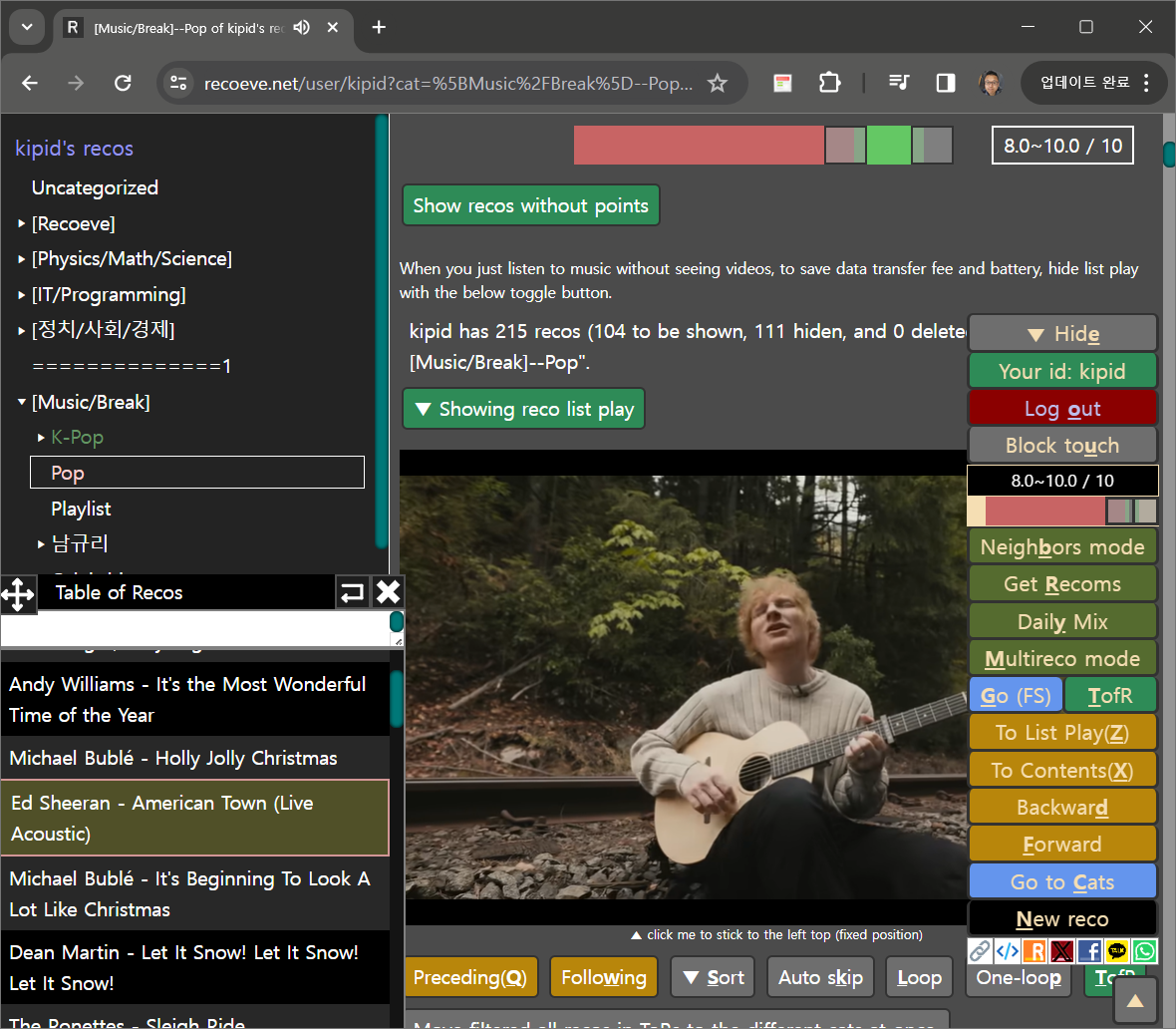
[Music/Break]--Pop of kipid's Recoeve.net (Personal favorite):
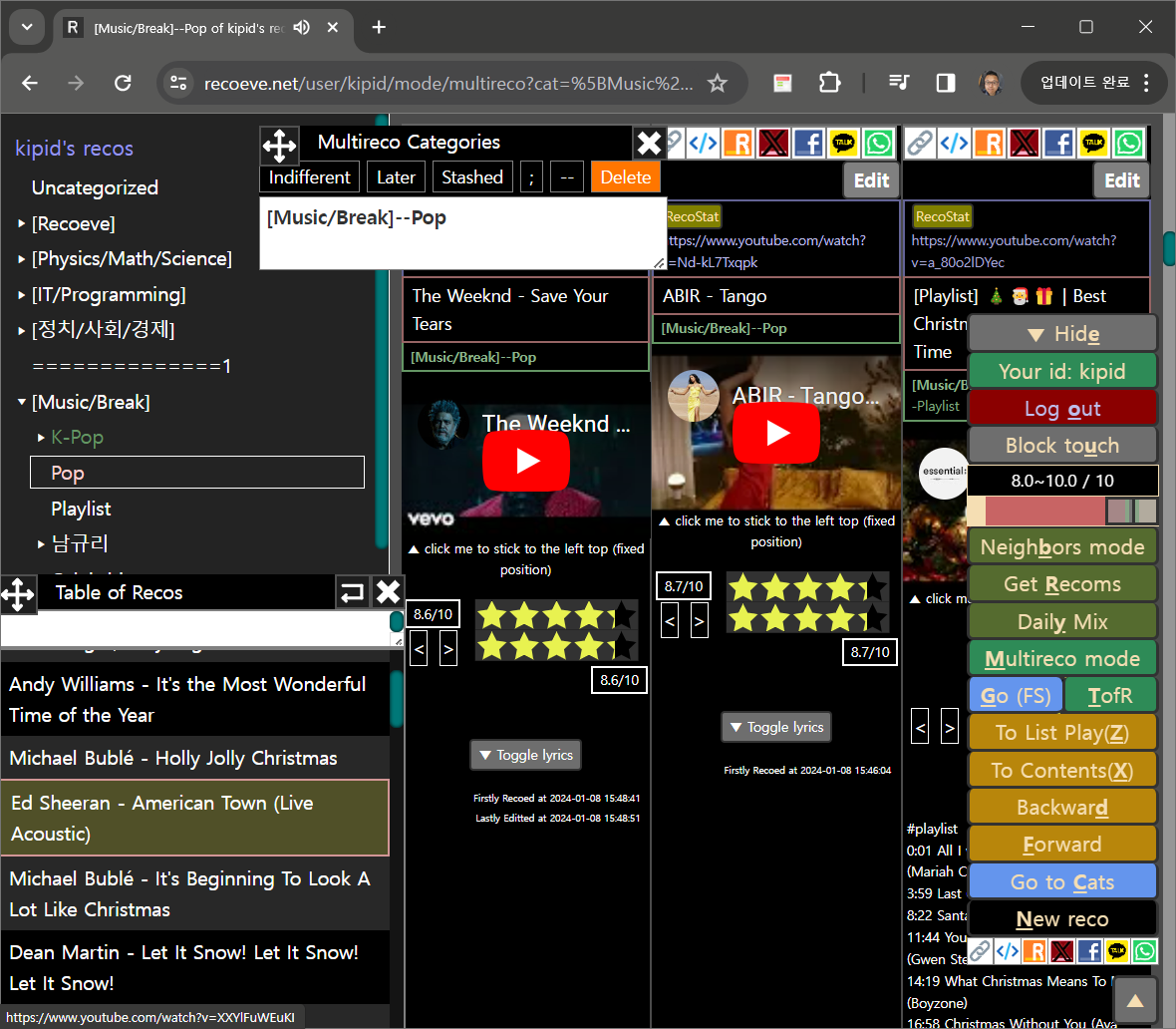
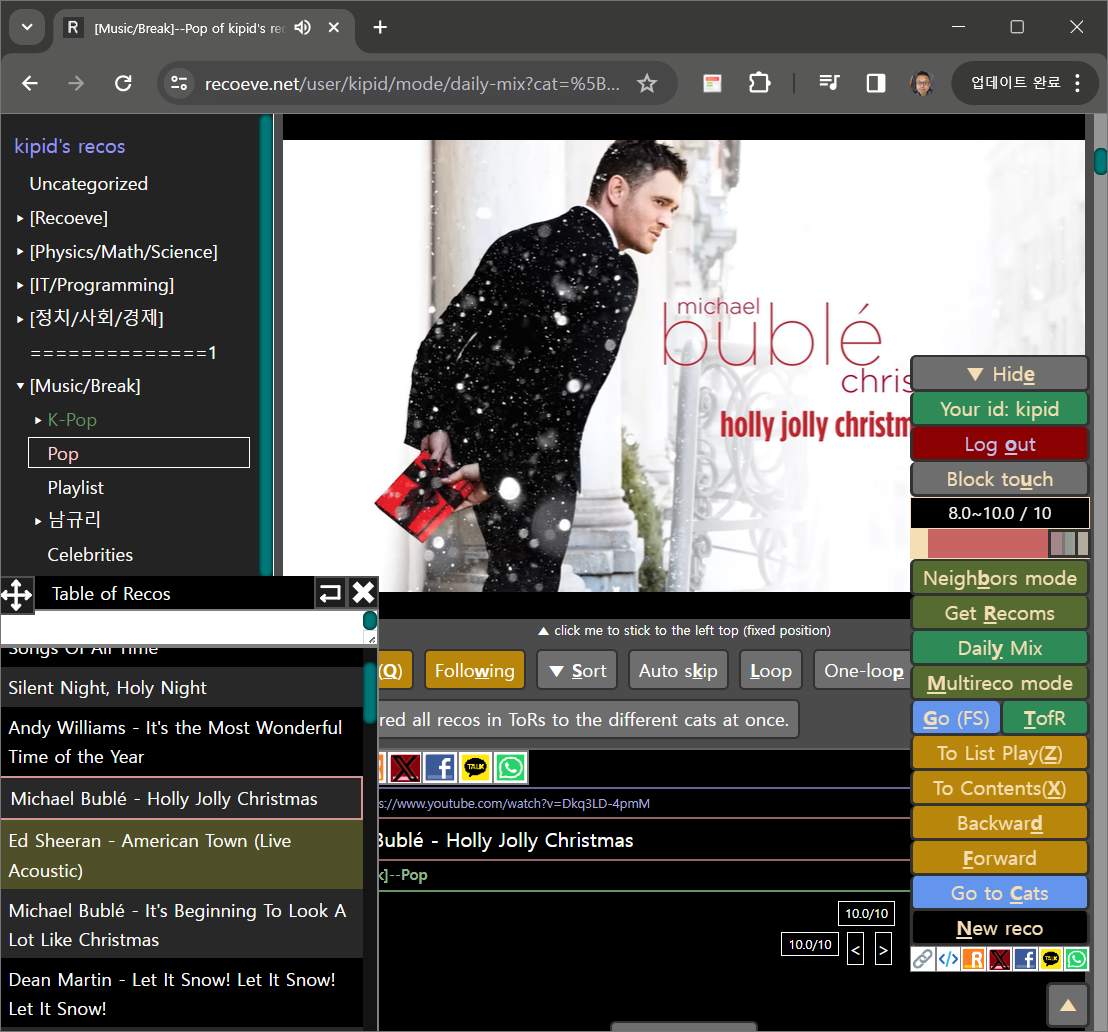
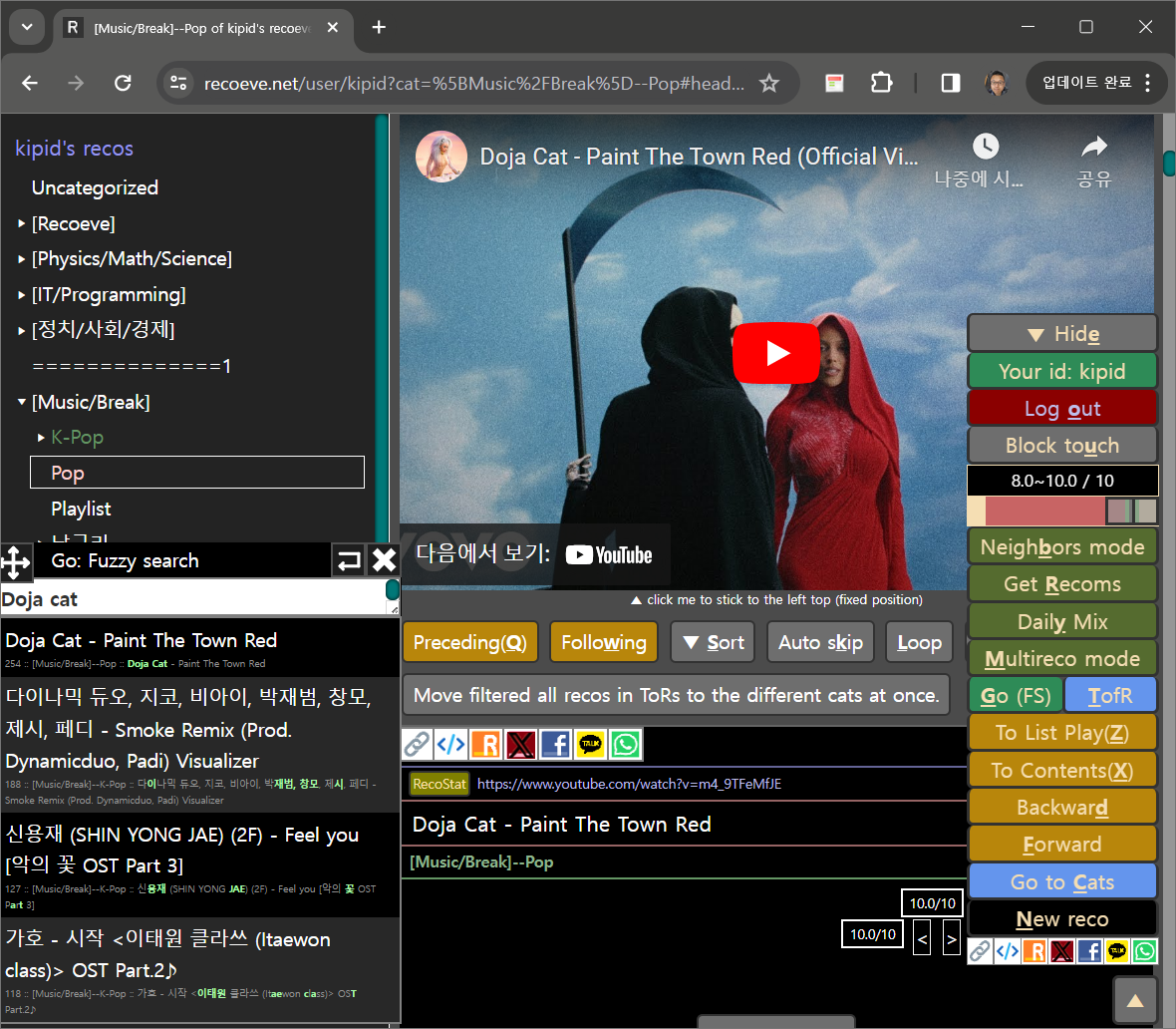
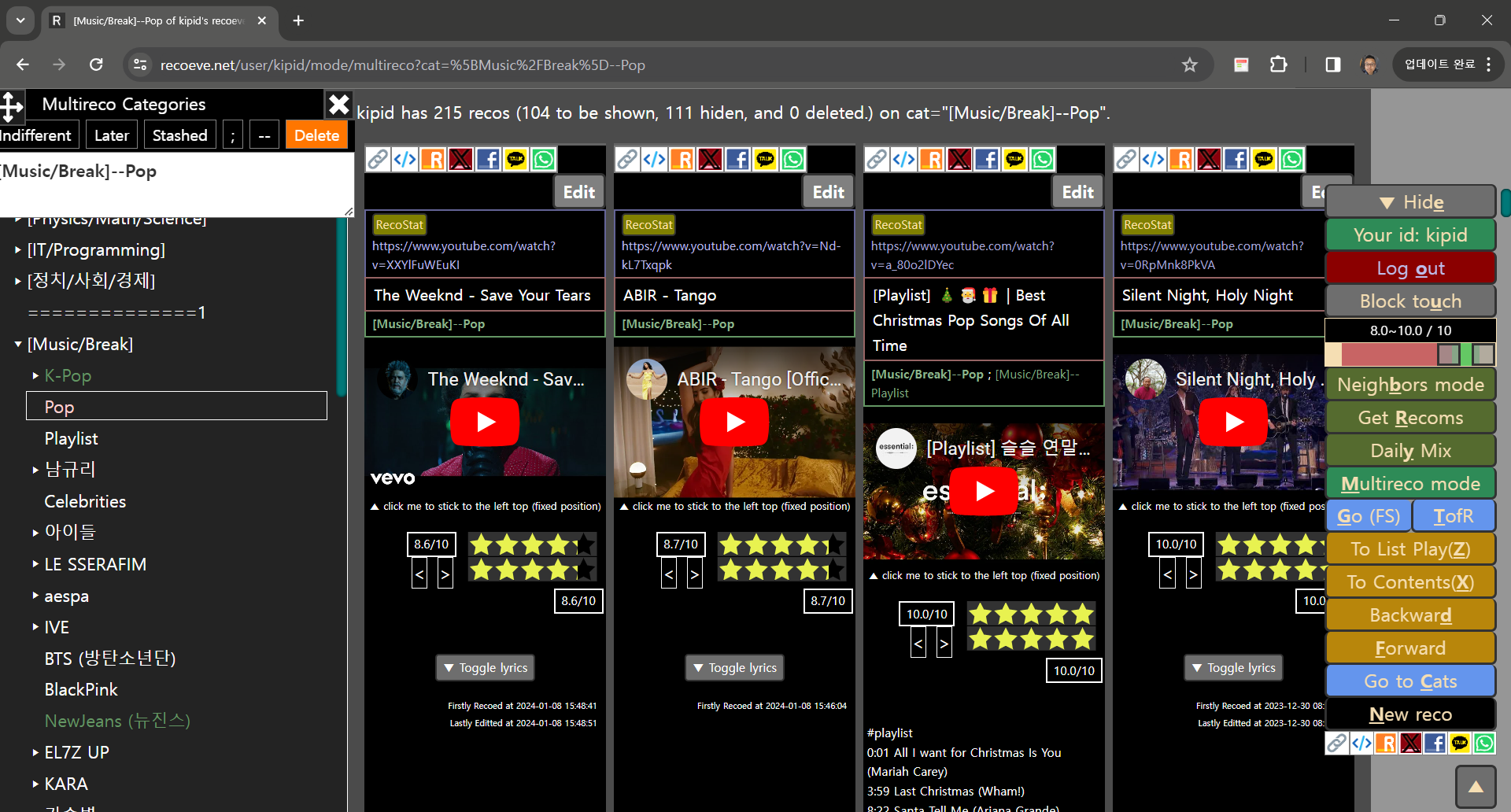
https://recoeve.net/user/kipid/mode/multireco?cat=[Music/Break]--Pop&ToR=&PRL=0.75&PRR=1.00#headPlay Turning on multireco mode, you can put your recos in multireco categories. By default, through dragging stars/points you put your recos in user's current category (e.g. [Music/Break]--Pop). Categories are formatted by "--" (super--sub category) and ";" (multiple;categories;and;so;on). Finally you are connected to your neighbors automatically collected and ordered by similarities on the recos on the same uris. And you can give and take recommendations from and to your neighbors. (Press Get Recoms: ShortKey 'R', and Daily-mix: ShortKey: 'Y', and See neighbors: ShortKey 'B') You can sign-up with Google if you put your ID which you wanna occupy in Sign-up ID input, and press "Log-in with Google". Thanks for reading this. Best regards, kipid.
반응형
'[Recoeve.net]' 카테고리의 다른 글
| 사람들의 평균적인 소비구조 (1) | 2024.02.08 |
|---|---|
| Recoeve progress (14) | 2024.02.05 |
| 모르는거 검색한 것들 저장해놓기 | 혹은 음악 모아서 듣기 Recoeve.net (1) | 2024.02.04 |
| Recoeve.net 퍼가는 법 (iframe) 및 reco 공유하는 법 (1) | 2023.12.28 |
| Introducing what we are making : Recoeve.net (2) | 2023.12.18 |
| Recoeve.net : Feedbacks, Error reports, and Suggestions (1) | 2023.12.15 |
| 초기 Recoeve.net 유저용 설명서 (0) | 2023.12.15 |
